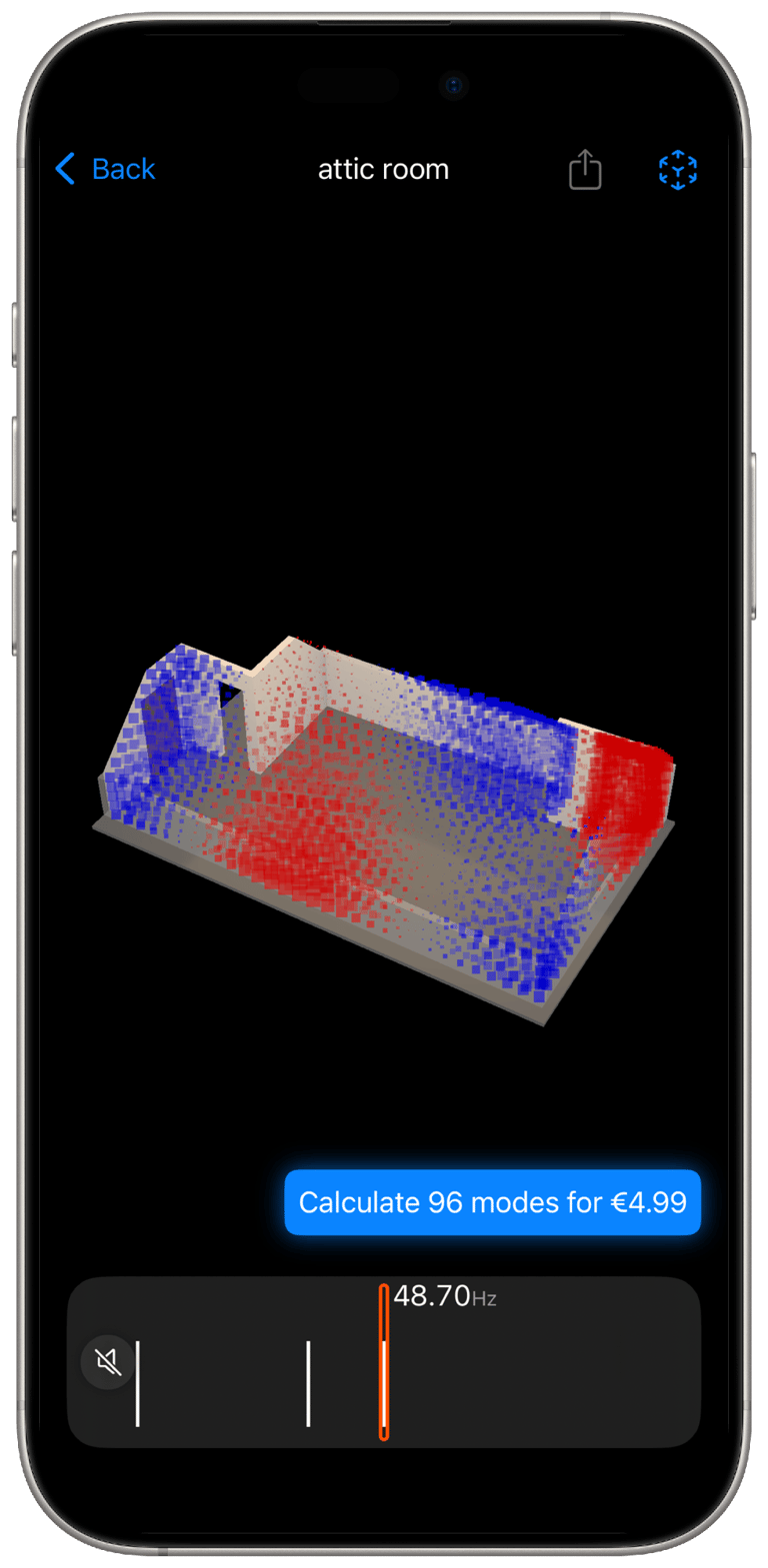
Scan your room, See its sound

The first LiDAR-powered FEM acoustic scanner for iOS.
Backstory

In August 2023, I emailed Andy at amcoustics with an idea: what if we could use the iPhone’s LiDAR to scan a room and instantly calculate its room modes?

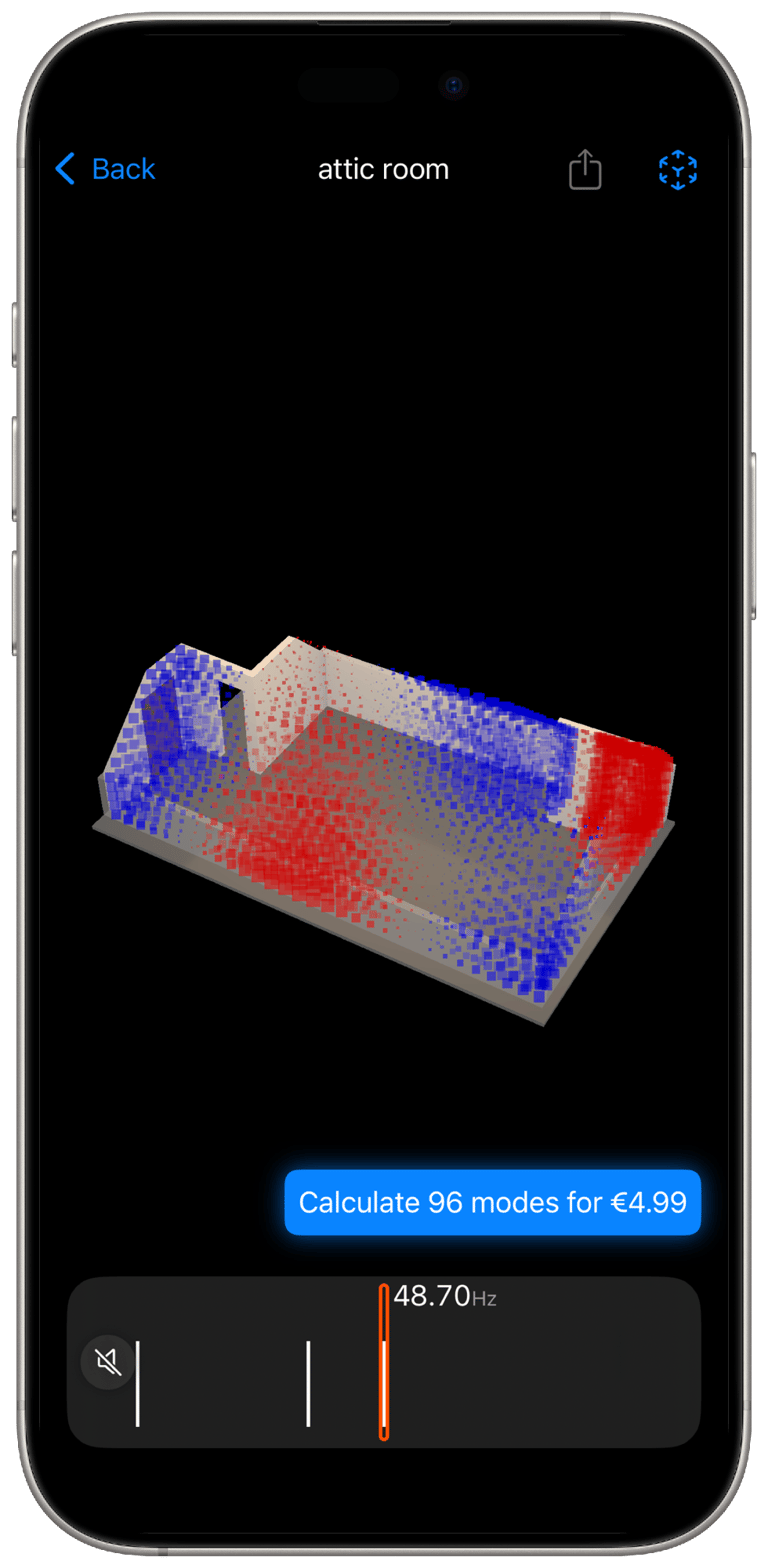
That message sparked a collaboration that has lasted nearly two years (and is still ongoing). The result is amscan. With just your iPhone, you can capture your space and immediately see how sound behaves within it.

See Your Room Clearly

Frequently asked questions

Does amscan work offline?

Some features, such as visualizing and reviewing rooms you have already scanned, can work offline.
However, scanning a new room requires an internet connection because amscan sends the room data to our servers to calculate the room modes.

What is the affiliation between amscan and amcoustics.com ?

amscan is developed in collaboration with Andreas Melcher from amcoustics. We have been working together since August 2023 to turn amscan into a real product. The iOS app, room scanning, data collection, and mesh creation were developed by me. The room mode calculation technology behind amscan is based on Andreas Melcher’s existing work at amcoustics.

iPhone

  • iPhone 12 Pro / Max

  • iPhone 13 Pro / Max

  • iPhone 14 Pro / Max

  • iPhone 15 Pro / Max

  • iPhone 16 Pro / Max

  • iPhone 17 Pro / Max

iPad

  • iPad Pro 11-inch, 2nd generation, 2020

  • iPad Pro 11-inch, 3rd generation, 2021

  • iPad Pro 11-inch, 4th generation, 2022

  • iPad Pro 11-inch, M4, 2024

  • iPad Pro 11-inch, M5, 2025

  • iPad Pro 12.9-inch, 4th generation, 2020

  • iPad Pro 12.9-inch, 5th generation, 2021

  • iPad Pro 12.9-inch, 6th generation, 2022

  • iPad Pro 13-inch, M4, 2024

  • iPad Pro 13-inch, M5, 2025

Can I scan a room offline and calculate it later?

Yes. If your device is offline, you can still finish the scan and save the room. Once you are connected to the internet again, open the saved room and tap Calculate 5 modes for free to start the room mode calculation.

What devices does amscan support?

amscan supports any iPhone or iPad equipped with a LiDAR Scanner on the back. That includes:

What should I do if I have an issue with an in-app purchase, scanning, or room mode calculations?

If you run into any issue with an in-app purchase, scanning, or room mode calculations, please send me an email at me@dariusm.com.

For a faster response, please include these details:

  1. Room ID: select the room you are having a problem with, then scroll down to the bottom. You will see the Room ID in small text next to the amcoustics logo.

  2. App version: on the first screen of the app, tap the small blue info button at the bottom of the page. You can find the app version there.

  3. Device iOS version: you can find this in your device settings under General.

If I have an idea, bug report, or problem with amscan, who can I talk to?

If you have an idea, suggestion, bug report, or problem that could help improve amscan, I would be happy to hear about it. Please send an email to me@dariusm.com.